
Estimated reading time: 5 minutes
Negative feedback, especially a lone 1-star review, can devastate a brand’s online presence. In today’s search-first environment, even a single damaging comment on your Google Business Profile can repel customers, reduce revenue, and stain your credibility. So, how do you get rid of a 1-star review on Google?
Need help with this? Our review removal and management service can handle it for you, starting with a free, confidential review and a firm quote before any work begins.
The answer isn’t always simple. But there are legal, technical, and tactical methods to address unjustified or fake reviews. Let’s explore effective steps to mitigate the damage and restore your hard-earned reputation.
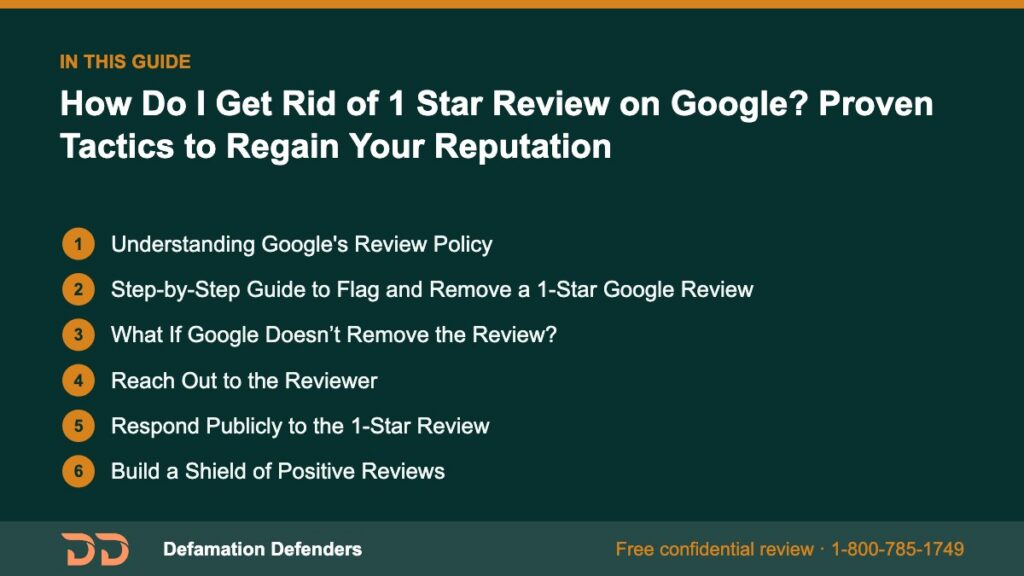
Table Of Content
Understanding Google’s Review Policy
Before taking action, it’s critical to understand Google’s review policies. Google allows users to post reviews, but certain content is prohibited, such as:
- Fake or deceptive content
- Profanity or offensive remarks
- Personal attacks and harassment
- Spam or promotional content
- Conflict of interest (e.g., reviews by employees or competitors)
Refer to Google’s Prohibited and Restricted Content Policy for specifics.
If a review violates these guidelines, you may be able to flag it for removal.
Want this content gone? Get a free, confidential quote.
Get unfair or fake reviews removed. Free assessment, no upfront fee on pay-after-removal cases, and most removals resolve within a few days to a few weeks.
Step-by-Step Guide to Flag and Remove a 1-Star Google Review
1. Log in to Your Google Business Profile
Go to Google Business Profile Manager.
2. Locate the Problematic Review
Navigate to the “Reviews” section.
3. Flag as Inappropriate
Click the three vertical dots next to the review and choose “Flag as inappropriate.”
4. Monitor the Status
Google typically reviews flagged content within 3-5 business days. If the review clearly violates policy, it may be removed.
Pro Tip: Take a screenshot of the review before reporting it. Documentation helps in escalation.
What If Google Doesn’t Remove the Review?
If your flag request is denied, you have several additional options:
File a Legal Removal Request
Use Google’s Legal Troubleshooter to file a formal request based on defamation, impersonation, or harassment.
Contact Google Support
You can escalate your case by:
- Using the Google Business Profile Help Center
- Calling the support line (if available in your region)
- Requesting callback or chat support from your profile dashboard
Reach Out to the Reviewer
Sometimes, a negative reviewer may be willing to revise or delete their comment if approached politely and constructively.
Tips for Successful Outreach:
- Stay calm and respectful
- Acknowledge their concern
- Offer a resolution
- Politely ask if they’d consider updating their review
Example Message:
Hello [Name],
We’re sorry to hear about your recent experience. We strive to provide excellent service and would love the chance to make things right. If you’re open to discussing this further, please contact us at [Your Contact Info].
We hope to earn your trust again.
Respond Publicly to the 1-Star Review
When removal isn’t possible, responding publicly allows you to:
- Clarify misunderstandings
- Show professionalism to potential customers
- Reaffirm your commitment to quality service
How to Respond:
- Apologize for their experience (even if unwarranted)
- State facts professionally
- Offer to resolve the issue offline
“We’re sorry you had a less-than-ideal experience. Please reach out to us so we can make things right. We value your feedback and take your concerns seriously.”
Build a Shield of Positive Reviews
To offset the impact of a 1-star rating, gather genuine positive feedback from happy clients.
Strategies to Encourage 5-Star Reviews:
- Ask satisfied customers directly
- Send a follow-up email after a successful transaction
- Provide a review link and instructions
- Offer incentives carefully (without violating Google’s policies)
Bonus Tip: Add a Google Review widget to your website or post reminders on social platforms.

Legal Remedies for Defamatory Google Reviews
If a review contains false accusations, malicious intent, or damages your livelihood, it may qualify as defamation.
How to Determine If It’s Defamatory:
- Does it contain verifiably false statements?
- Is it hurting your reputation or business?
- Was it posted with malice or negligence?
In such cases, you may consider a legal route. This could involve:
- Cease and desist letters
- Filing defamation claims
- Requesting court orders for removal
Defamation Defenders offers specialized services to help with review suppression, defamation removal, and legal takedowns.
Preventing 1-Star Reviews Before They Happen
Build a Review Management Strategy:
- Monitor reviews regularly using tools like Google Alerts
- Set up auto-responses for common queries
- Train staff to de-escalate conflicts quickly
- Address issues offline before they escalate online
Invest in Online Reputation Monitoring Tools:
Consider setting up reputation tracking with platforms like:
Why Timely Action Matters
A single 1-star review can drop your average rating and cause hesitation in potential clients. According to a BrightLocal consumer survey, 91% of consumers say they’re more likely to use a business with positive reviews.
Swift action shows you care, improves trust, and can even increase sales.
What Sets Defamation Defenders Apart
Our team provides:
- Custom legal removal strategies
- White-hat reputation management
- Review suppression techniques
- Personalized response scripting
We help you regain control of your online narrative with ethical and effective solutions. Don’t let one malicious review control your brand story.
Contact Defamation Defenders today to schedule a free consultation.
Frequently Asked Questions
Use the “Flag as inappropriate” option if the review violates Google guidelines. Otherwise, respond professionally, request an update, or build more positive reviews.
Yes, if the content is false, defamatory, or violates Google’s policies. Legal removal may be required for extreme cases.
If the review includes false statements causing measurable harm, you may pursue a defamation lawsuit.
Yes. Google removes reviews that violate its policies, such as spam, fake content, or harassment.
Yes. By generating a large volume of legitimate 5-star reviews, the 1-star review loses visibility and impact.
Related Contents:
MLA Citations
BrightLocal. “Local Consumer Review Survey.” BrightLocal, https://www.brightlocal.com/research/local-consumer-review-survey/. Accessed 17 July 2025.
Google. “Prohibited and Restricted Content.” Google Support, https://support.google.com/contributionpolicy/answer/7400114. Accessed 17 July 2025.
Google. “Legal Removal Requests.” Google Legal Support, https://support.google.com/legal/troubleshooter/1114905. Accessed 17 July 2025.
Want this content gone? Get a free, confidential quote.
Get unfair or fake reviews removed. Free assessment, no upfront fee on pay-after-removal cases, and most removals resolve within a few days to a few weeks.
Pay-after-removal options · 4,000+ clients served · 4.9/5 on Google
Prefer to talk? Call 1-800-785-1749
